Cutly
Free to use

Cut more from every board.

Cutly works out how to cut your panels with the fewest boards and the least waste. Enter your parts and boards, and you get a to-scale drawing, a numbered cut sequence and a report to take to the factory.

Runs in your browser. Your parts and boards are never uploaded.

See it in the app

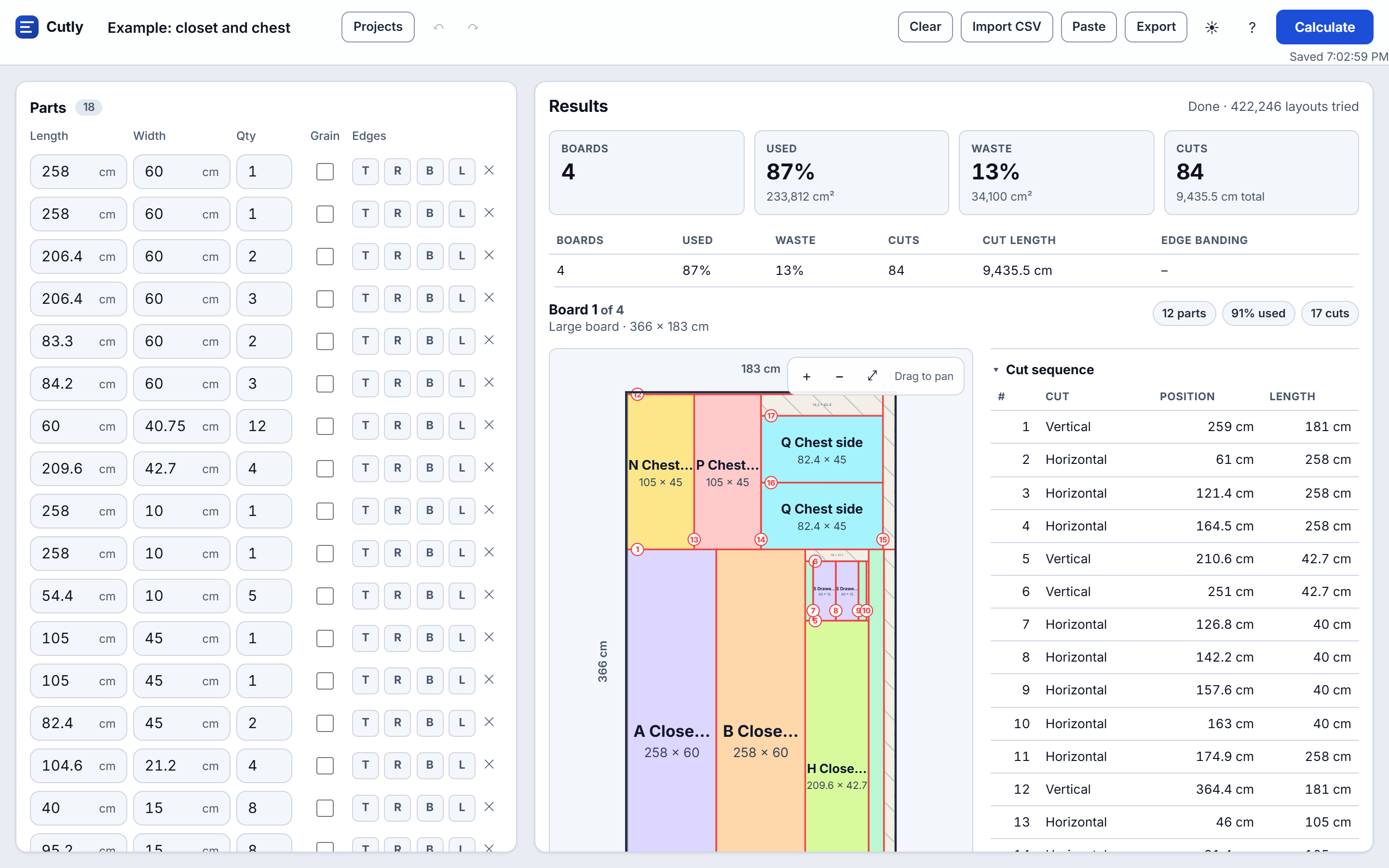
A real screenshot of Cutly after calculating a closet and chest: four boards, each with its cut sequence beside it.

Cutly showing four boards for a closet and chest, with the board drawings, the cut sequence and the summary
Cutly on a desktop: summary, board drawings and the numbered cut sequence.

How it works

Three steps from your parts list to a cutting plan.

1

Enter your parts

Type the length, width and quantity, or paste rows straight from Excel or Google Sheets.

2

Add the boards

Enter the board sizes you can buy, and how many you have. Set the blade width and edge trim.

3

Calculate and cut

Press Calculate. Follow the cut sequence on each board, then export a PDF or a parts list.

Built for the workshop

Everything you need to plan a cut list, and nothing you don't.

Fewest boards, least waste

The optimizer tries many layouts and keeps the one that uses the fewest boards, then the least waste.

Cut sequence

Every cut is numbered in the order the saw makes it, so you can work straight down the list.

To-scale board drawings

See each board drawn to scale with its parts, leftover pieces, grain direction and edge banding.

Your data stays with you

Calculations run in your browser. Projects are saved on your computer, not on a server.

Questions

Quick answers about Cutly.

Is Cutly free?

Yes. Cutly is free to use for now. If paid options are added later, we will tell you in advance.

Are my parts and boards uploaded anywhere?

No. The calculation runs in your browser, and your projects are saved on your computer. Read the Privacy Policy for details.

What can I export?

A PDF report with the summary, each board drawing, its cut sequence and the parts list, plus a CSV parts list you can open in Excel.

Does it work on a phone?

Yes. Cutly works in a phone browser, with the inputs and results on separate tabs.

Can I check the results before cutting?

Yes, always. Cutly calculates from the sizes you enter. Check the drawing and the sizes against your plans before you cut.

Plan your next cut list in minutes

Open Cutly in your browser. No sign-up, and it's free to use for now.

Open Cutly